Qwen EditQwen Edit AI Image Editor
Upload an image, describe the change, and generate clean AI edits online with Qwen Image Edit.



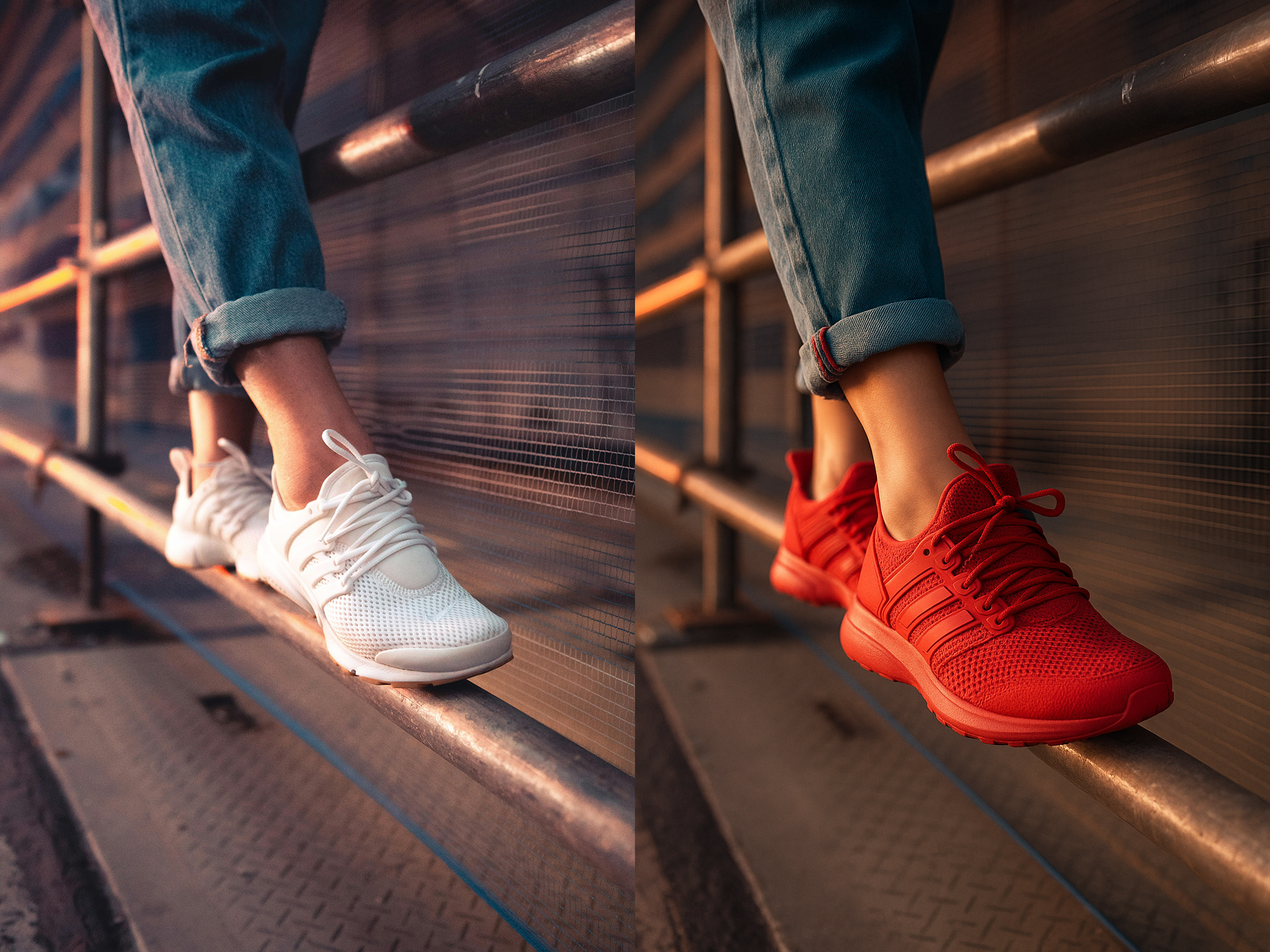


Prompt-Based Image Editing
Use Qwen Edit to modify photos with natural language prompts. Change products, scenes, outfits, backgrounds, and visual details without complex editing tools.
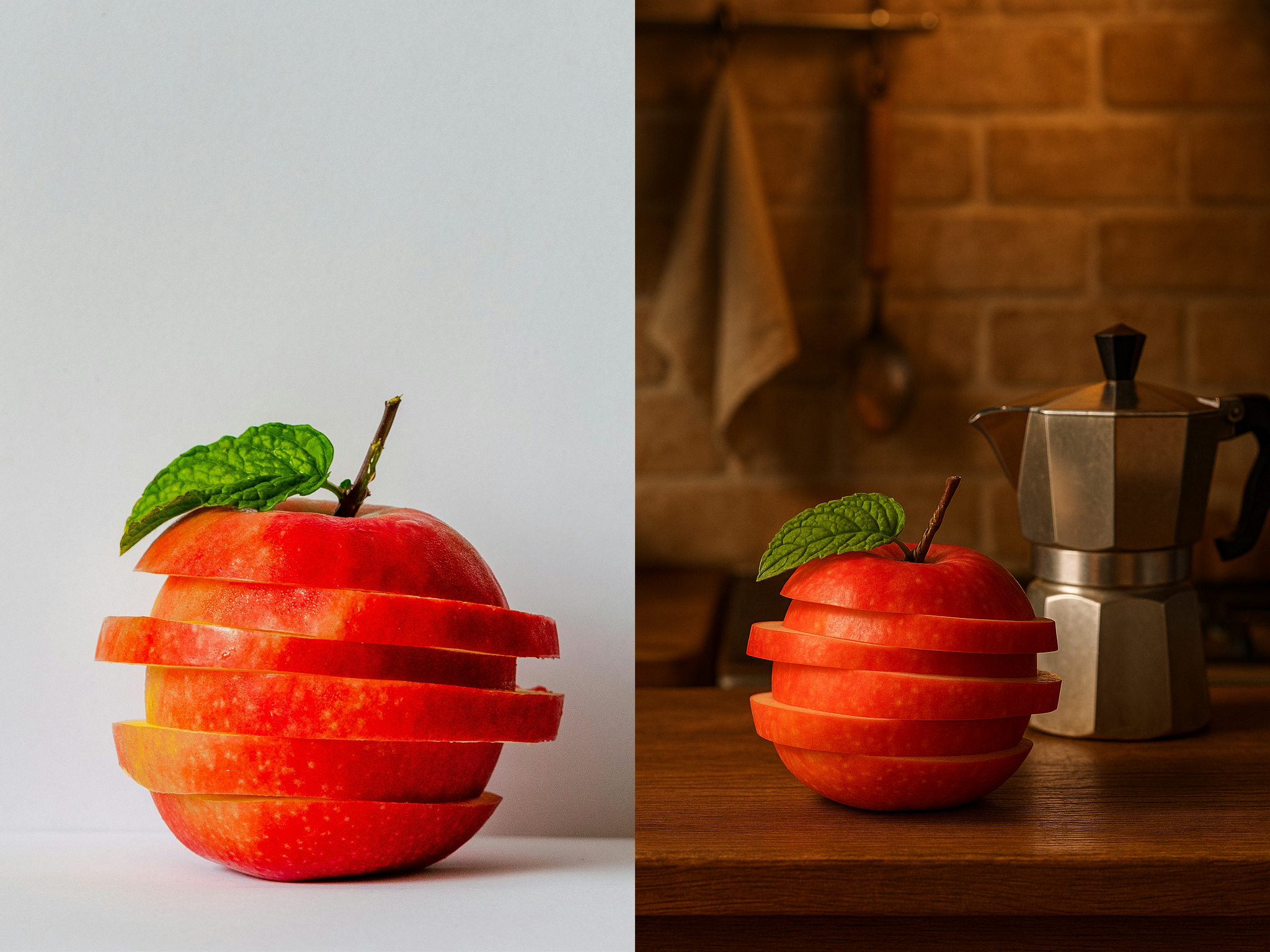
Reference Image Workflow
Upload a reference image, describe the exact change you want, and generate a new edited result while keeping the important subject details clear.
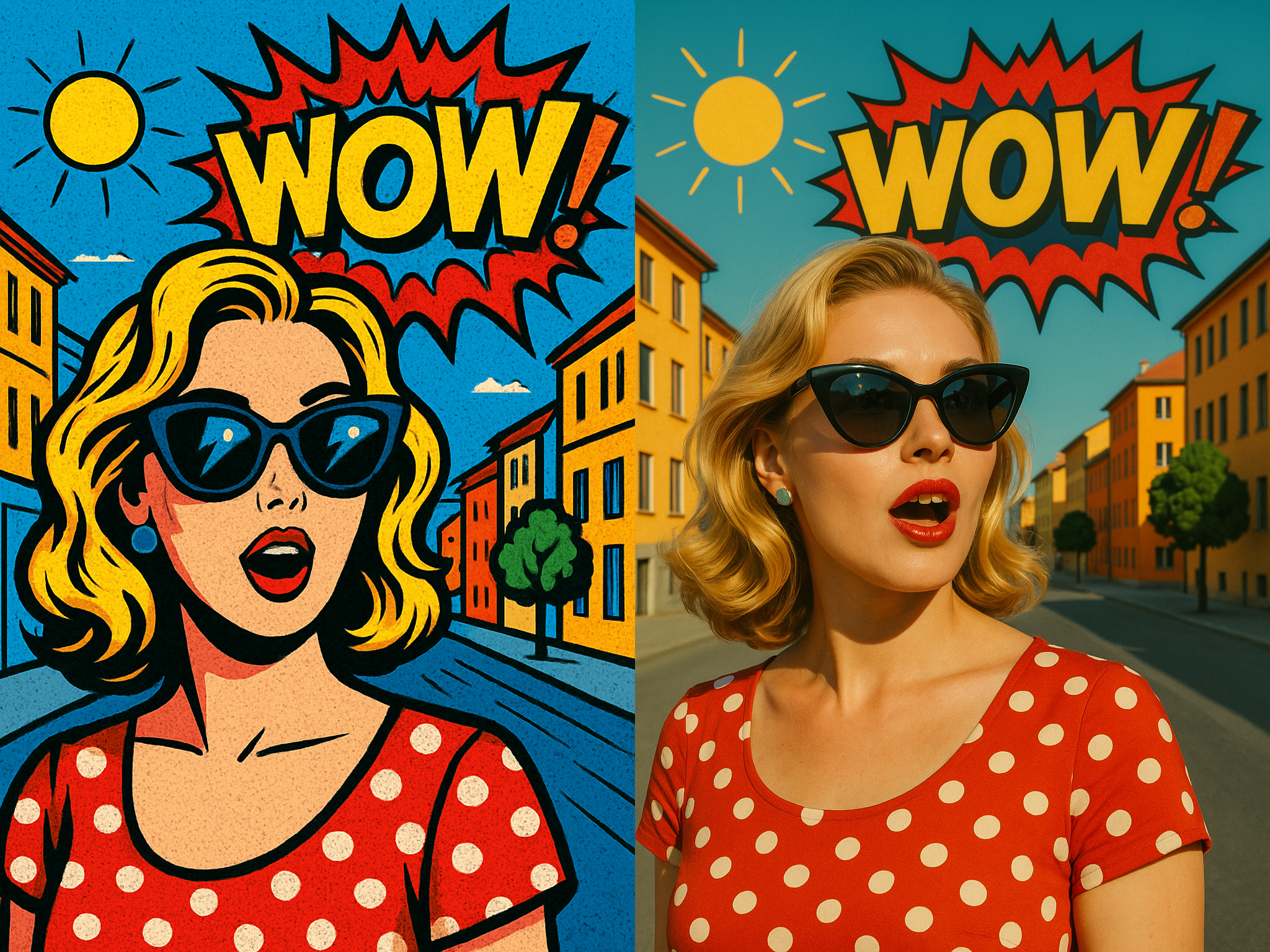
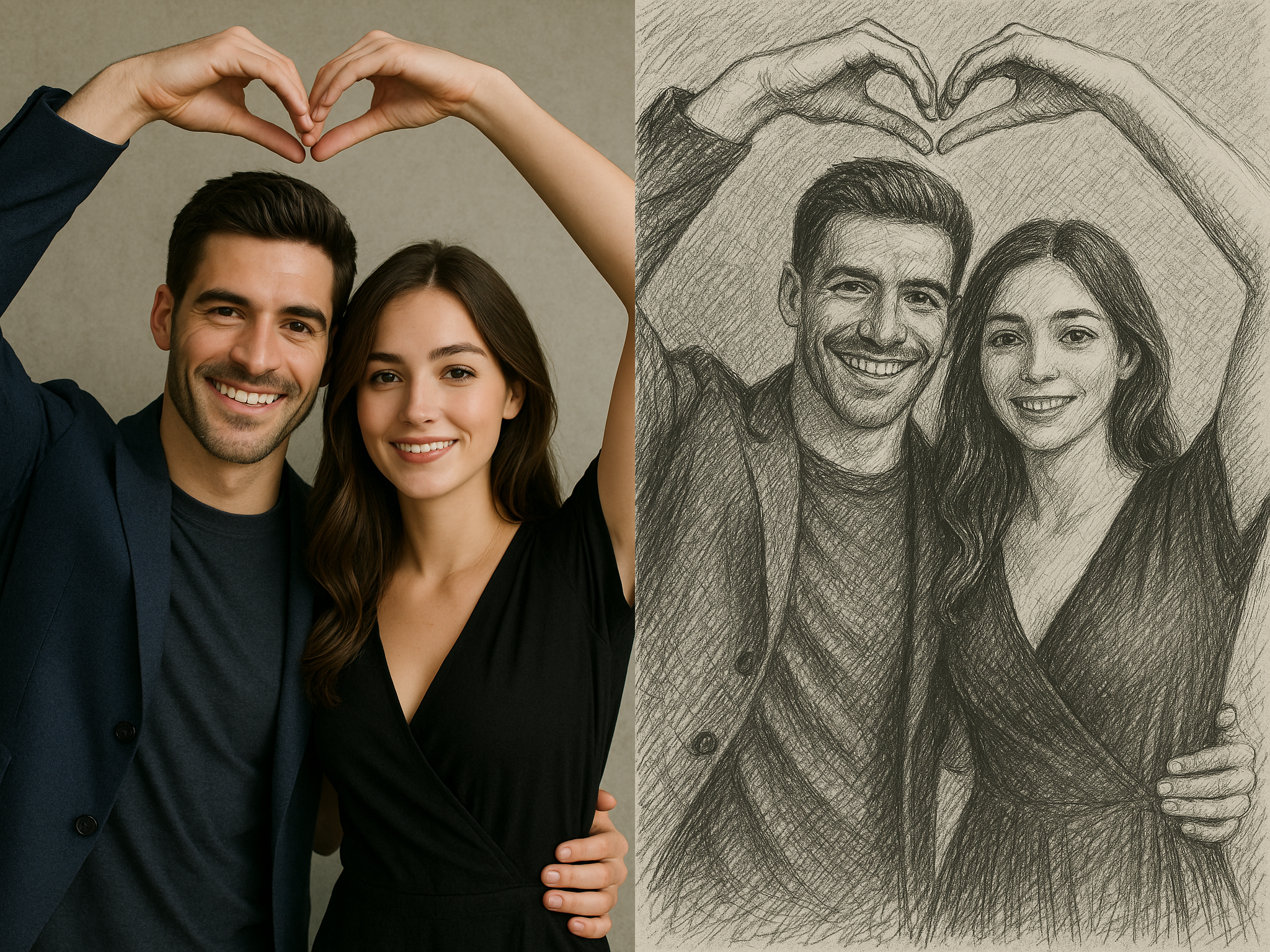
What Users Say About Qwen Edit
Join creators who edit images with AI every day
Sarah K.
Social Media Manager
Qwen Edit helped our team create product image variations in minutes. The prompt workflow is much faster than manual retouching.
Mike T.
Photographer
I use Qwen Edit to test background changes, cleanup ideas, and creative looks before opening a full editor.
Jessica L.
E-commerce Owner
Editing catalog images is much easier now. We can create cleaner product scenes without arranging a new shoot.
David R.
Content Creator
Qwen Edit is useful when I need multiple visual directions quickly. I upload a reference and describe the exact change.
Emma S.
Digital Marketer
The results are practical for ad concepts and campaign visuals. It keeps the workflow simple enough for daily use.
Alex P.
Designer
Prompt-based edits save time during exploration. I can generate options first, then polish the strongest image.
Product Team
We use Qwen Edit for quick mockups, object changes, and product presentation ideas before production starts.
Raj M.
Educator
It helps me create cleaner teaching visuals from rough references. The image editing prompt is easy to explain.
Sophie L.
Artist
Qwen Edit gives me fast creative variations while preserving the core subject of my reference image.
Travel Blogger
I use it to adjust skies, remove distractions, and create different visual moods for travel posts.
Real Estate Team
Qwen Edit helps us test room styling and cleanup ideas before sending images to the final listing workflow.
Qwen Edit - Frequently Asked Questions
What is Qwen Edit?
Qwen Edit is an online AI image editor powered by Qwen Image Edit. Upload a reference image, describe the change you want, and generate a new edited image from your prompt.
How do I edit an image with Qwen Edit?
Start with an image, write a clear editing prompt, and submit the job. Qwen Edit will generate an edited result that follows your instruction while keeping important visual details from the reference.
What can I create with Qwen Image Edit?
You can change backgrounds, adjust product scenes, create character variations, remove distracting elements, restyle images, and explore visual concepts from a reference image.
Do I need design skills to use Qwen Edit?
No. Qwen Edit is designed for prompt-based image editing, so you can describe the change in plain language instead of using a complex desktop editor.
What images work best?
Clear images with a visible subject usually work best. Product photos, portraits, character references, lifestyle images, and creative concept shots are good starting points.
Can I use Qwen Edit for product images?
Yes. Qwen Edit is useful for product image cleanup, background changes, scene variations, and fast ecommerce visual exploration.
Can I use the generated images commercially?
You can use generated images according to the terms of the plan and model provider. For business use, review the current usage terms before publishing final assets.
Is Qwen Edit only for image editing?
Yes. Qwen Edit focuses on prompt-based AI image editing and visual creation workflows.
How long does an edit take?
Most edits complete in a short processing window. Complex prompts or busy reference images may take longer than simple product, background, or style changes.
How should I write a good prompt?
Describe the subject, the exact change, and the desired style or context. Specific prompts such as "change the background to a clean white studio" usually work better than vague instructions.
Start Editing Images With Qwen Edit
Upload an image, describe the change, and create AI-edited visuals online.